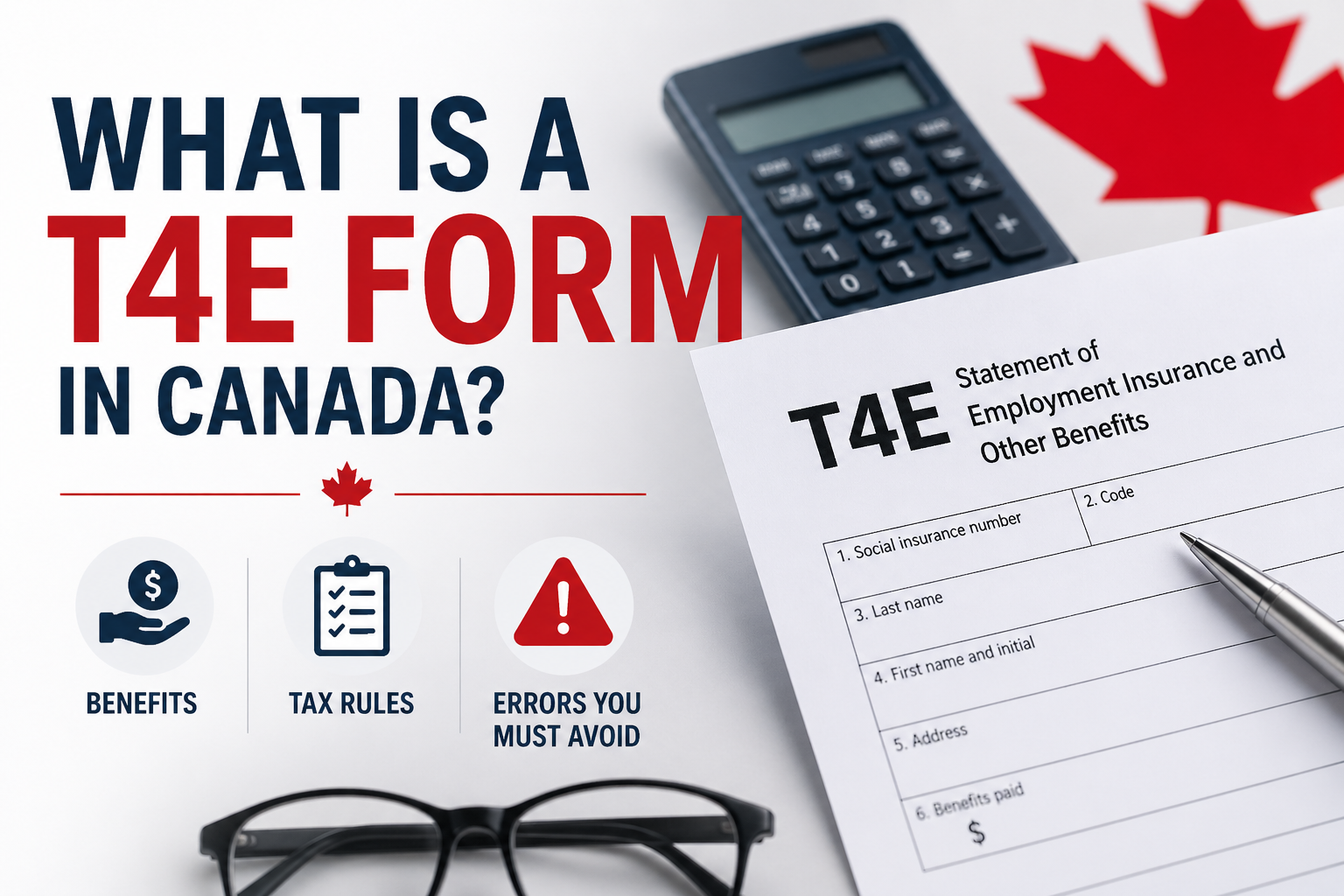
The T4E form, officially known as the Statement of Employment Insurance and Other Benefits, is a very important document that must be filed with Canada’s tax authority (CRA) by all Workers who received any EI (Employment Insurance) benefits in the prior calendar year.
Form T4E summarizes the payments made to the Employee for the taxation year and is needed for filing with the CRA. You must check this article to explore more on What is a T4E Form in Canada? Benefits, Tax Rules & Errors You Must Avoid.
What is a T4E Form in Canada?
The CRA T4E Form is a Canadian government’s official Employment Insurance and other benefits report which Service Canada sends to anyone who received EI or related payments during the previous calendar year. It details the taxable income received from all EI sources such as; regular EI from job loss, maternity/parental benefits, sickness, work sharing and supervised training assistance along with specific line items in each box including, Box 14 (Total Benefits – reported on line 11900 of your tax return), Box 22 (Tax Withheld) and Box 26 (Amounts Repaid).
T4E recipients will receive their Canada T4E online via My Service Canada Account by late February; those requiring a paper copy can expect to receive it shortly thereafter. If receipts are sent digitally, Service Canada will provide it online which allows you to file your taxes accurately with CRA as you can expect any refund if your withholdings exceeded your tax obligation. Before filing return, you should always reconcile your T4Es to banking records to ensure you report all income without any error.
Who gets a T4E slip?
You will receive a T4E slip if you:
- If you received Employment Insurance (EI) benefits during the year,
- Repaid an overpayment from a prior tax year,
- Participated in an approved employment program where you received EI-funded financial assistance.
- Received maternity or parental benefits (T4E maternity leave)
- Qualified for tuition assistance under an approved program
For Example
Lucas lost his job in Ontario and collected $11,000 in EI regular benefits while searching for new work. Service Canada issued him a T4E showing the total benefits received and taxes deducted.
Are T4E Benefits Taxable in Canada?
Yes. Employment Insurance benefits are taxable income in Canada. Service Canada usually deducts some income tax from EI payments, but the amount withheld may not fully cover the final taxes owed.
For Example
Emma received:
- $18,000 in EI benefits
- $1,500 tax withheld
After filing his tax return, his total tax liability on that income was $2,400. She still owed an additional $900 to the CRA.
Canada T4E Tax Rules Explained
EI benefits reported on the T4E form will count as taxable income and have to go on line 11900 of T1 returns. You will use the total of Box 14 for regular payments of EI, maternity and parental benefits, sickness benefits and any other EI-related amounts. Usually, tax will be withheld at source based on rate options you choose at time of application, and the amounts withheld will be credited back to you on line 43700 to reduce your overall tax obligation.
If you repay a prior overpayment of EI as indicated in Box 26 on your T4E, you can claim a deduction at line 11905, which may lead to a refund. You also qualify for different exemptions like Box 18 for status Indians or Box 21 for non-taxable tuition assistance. If you are a Quebec resident, then the applicable document to you is the RL-6 slip. Ensure that you do not incur a penalty with the CRA by accurately completing this information. Before you submit your T1 by April 30, always check your My Service Canada Account to make sure that your information is accurate.
Benefits of the T4E Form
When filing your taxes and planning financially, the T4E form gives you significant benefits in ensuring that you are reporting your Income correctly to the Canada Revenue Agency (CRA) (line 11900), by providing you with a detailed record of the Employment Insurance (EI) benefits you received and how much you received from the EI program.
- Tax compliance simplified: Total amount of EI benefits received (Box 14), taxes withheld (Box 22) and repayments (Box 26). This simple form allows you to easily apply for credits or refunds on taxes if you were over withheld, which is very common with EI recipients.
- Tax Exemptions: The non-taxable portions of your EI benefits can be used to reduce your total taxable income by filing other specific CRA forms; i.e.: for Status Indians, you would use Box 18, and for using tuition, you would use Box 21.
- Refunds boosted: Low-income individuals who were withheld more taxes than they have actual tax liability usually receive their refunds quickly once the T4E has been filed.
- Recoveries of Overpayments: Deductions from Box 26 can be used to reduce taxes due for the current year and obtain carrybacks from prior years for refunds.
What Information Appears on a T4E?
The form has several boxes that report different types of payments and deductions.
| T4E Box | What It Means | For Example |
|---|---|---|
| Box 14 | Total benefits paid | $14,500 EI received |
| Box 15 | Regular and other EI benefits | Regular unemployment benefits |
| Box 17 | Employment support payments | Government-funded training support |
| Box 22 | Income tax deducted | $1,300 withheld |
| Box 26 | EI repayment amount | $600 repaid |
| Box 7 | Repayment rate | 30% repayment requirement |
The amounts shown on the T4E are usually entered on Line 11900 of the Canadian ITR.
How to get your CRA T4E slip/form
You have two ways to get your T4E: online via My Service Canada Account, or by mail. Here’s how each works.
1. Accessing My Service Canada Account (MSCA)
If you have yet to register for an MSCA, please sign in first. If you have received EI benefits and have submitted your bi-weekly reports then you are likely already registered with an MSCA.
2. Find and Print Your T4E Online
The T4E should typically become available online starting February 1st. Within the MSCA account, access tax information and select the option to view and print T4E slip, which can be saved as PDF.
3. Select your delivery preference
You may receive either by electronic via MSCA or by mail. To receive online, update your settings in MSCA to receive your T4E by online.
4. Wait for mail delivery (if applicable)
If you request by mail, the T4E should be received by mid-March.
5. Check alternate sources
If you have not received a T4E as of mid-March, you can determine amount using MSCA by obtaining an itemized benefit statement.
6. Contact Service Canada (if needed)
Please contact Service Canada if the item has not been received by March 10, or if the item appears incorrect.
Common T4E Errors You Must Avoid
- Failure to report Box 14 EI Income: EI benefits must be shown on Line 11900. If not reported CRA will mismatched.
- Misapplication of Box 18 Exemption Rules: For Status Indians, you must include the Box 14 amount and then subtract the exemptions using form T90.
- Failure to Repay Box 26: To avoid paying additional tax on overpayments, repay through Line 11905.
- Assuming Taxes Are Fully Paid: If you cannot locate your T4 slip, use the MSCA detailed statements.
- Filing without Bank Verification: To confirm all payments made have been deposited, you must reconcile the deposits to your records.
- Entering Incorrect Data: Ensure no extra spaces or characters are entered that may cause your NETFILE submission to be rejected.
Frequently Asked Questions
Is T4E same as Employment Insurance?
Not really. T4E is the slip showing the amount of employment insurance benefit paid to you for the year.
Are EI benefits taxable?
Yes, benefits under EI program in Canada are taxable income.
Can I receive a refund in case of over-deduction of taxes?
Yes, if the taxes deducted in respect of your EI payments have been overpaid, you will receive a refund upon filing of your tax return
What if I fail to include my T4E form when filing my tax return?
In this case, CRA will re-evaluate your return and penalize you by charging interest or even penalties.
Final Words
With your T4E form, you can easily file your taxes since it lists your Employment Insurance (EI) benefits, such as maternity leave, job loss payments, and sickness benefits. You can check it using My Service Canada Account starting from February 1, or you may receive a paper copy via mail by mid-March.
Report Box 14 income on line 11900, claim the tax withheld from box 22, deduct any amounts you repaid from box 26, and claim any exemptions that may apply from box 18 or 21. To avoid incurring penalties due to missed income or incorrectly identifying boxes, ensure that you confirm the accuracy of the T4E with a copy of your bank statements, file your tax return by April 30, and call Service Canada if you face any issues with your filing. Keeping these details accurate will allow you to receive a larger refund and comply with requirements.
Sources
This article is based on official Government of Canada tax documents and verified financial guidance to ensure accurate and reliable information about the T4E slip.

Ritika's writing philosophy is built on one core principle: every person deserves access to clear, accurate, and actionable benefit information — without having to wade through confusing government language. Her guides are trusted by seniors, working families, and low-income households across North America who rely on timely payment updates and eligibility information.
All content written by Ritika is thoroughly research-based, sourced from official government portals including SSA.gov, Canada.ca, and CRA publications.